
Download Software Updater – Software Management, Update Tool, Productivity Utility
Overview
Software Updater is a dedicated utility designed to streamline the process of maintaining up-to-date software on personal computers. The application functions by scanning installed programs across selected drives, identifying discrepancies between current and available versions. This capability directly addresses the common challenge of manually checking updates for numerous applications, a task that is both time-consuming and error-prone. By automating this process, the tool helps users avoid potential security vulnerabilities and performance issues linked to outdated software.
Target users include individuals and professionals who rely heavily on their systems for daily productivity, particularly those managing multiple applications. The app is especially useful for users who experience frequent software instability or crashes, as outdated programs are often a root cause. Its ability to deliver clear, actionable insights into software status positions it as a valuable component of a proactive system maintenance routine.
Although the developer did not provide additional background information, the app has been available since 2010, indicating a long-standing presence in the software utility space. This longevity suggests a level of reliability and user trust, even without formal marketing or public recognition. The tool’s focus on automation and transparency makes it a practical addition to any digital workflow where system integrity and efficiency are priorities.
Key Features & Functionality
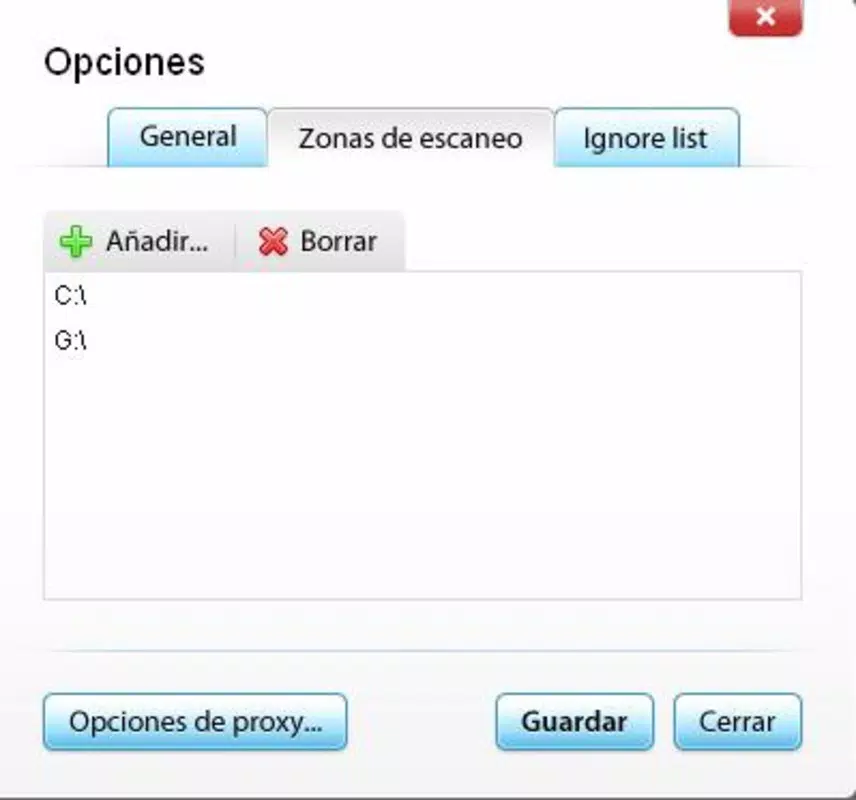
- Automated Scanning: Users can designate specific drives or folders for scanning, and the application will analyze all installed programs within those locations. This selective approach allows for efficient resource use and targeted maintenance, particularly useful for users with large software libraries.
- Time-Saving Algorithm: The tool employs a proprietary search algorithm to rapidly locate the latest versions of software online. This speeds up the update verification process, reducing wait times and enabling users to manage updates in a fraction of the time required by manual checks.
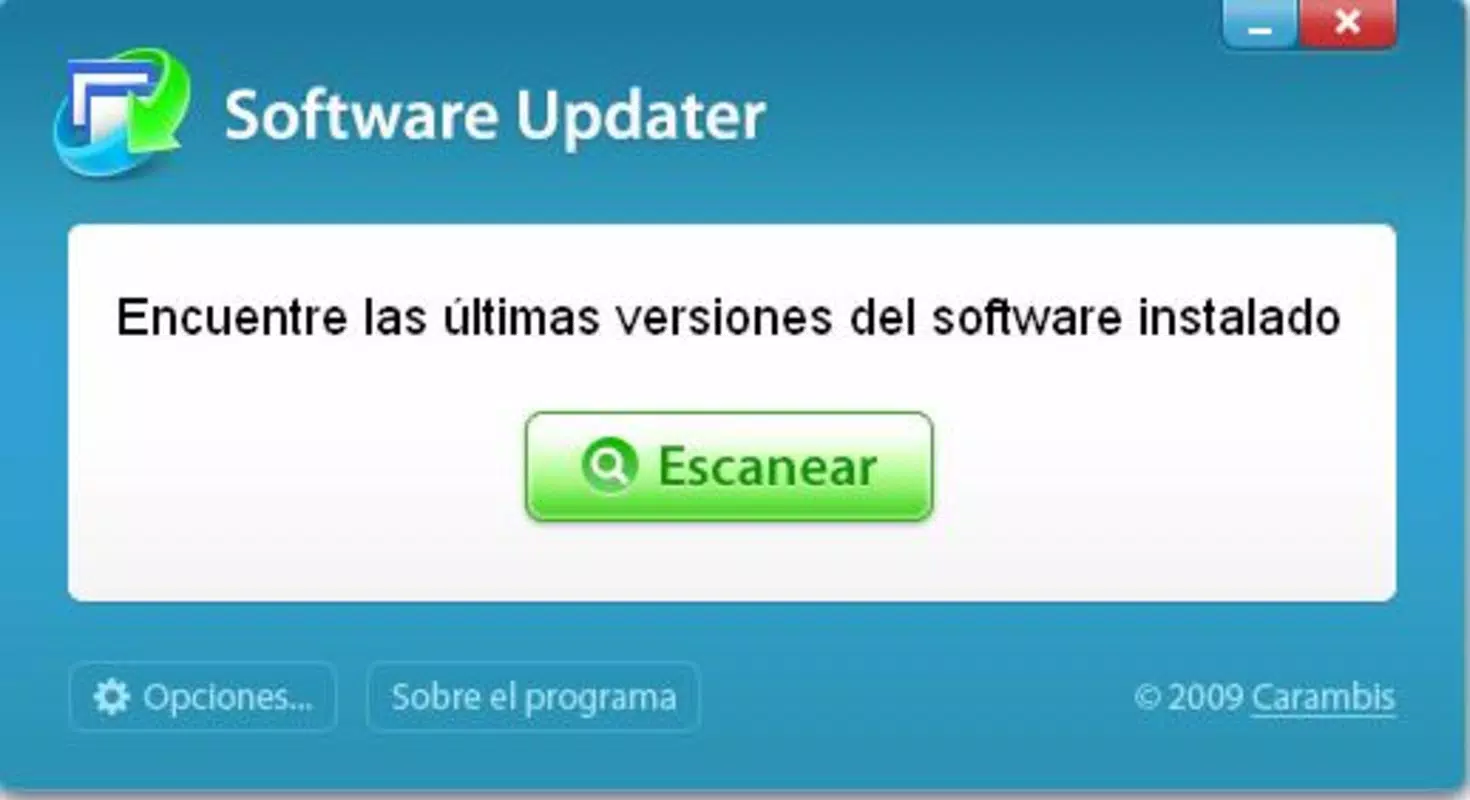
- User-Friendly Interface: Designed with accessibility in mind, the interface supports intuitive navigation. Options are clearly labeled, and the workflow follows a logical sequence—select scan area, initiate scan, review results, choose updates—making it suitable for users of all technical levels.
- Comprehensive Reporting: After scanning, the application generates detailed reports listing each program, its current version, and the latest available version. This transparency empowers users to make informed decisions about which updates to apply, particularly important for enterprise or sensitive environments.
- Improved Software Stability: By facilitating timely updates, Software Updater contributes to enhanced system performance and reduced risk of crashes. Regular updates often include bug fixes, security patches, and performance improvements, all of which help maintain a stable computing environment.
Real-world use cases include routine system maintenance for home users, IT administrators managing multiple workstations, and developers who need to ensure their tools are current. The app’s simplicity and focus on core functionality make it ideal for users seeking a no-frills, effective solution.
Interface, UX & Performance
The interface of Software Updater is structured around clarity and efficiency. The main window presents essential controls—scan initiation, drive selection, and report viewing—in a clean, uncluttered layout. Navigation is linear and predictable, minimizing user confusion. Visual cues such as progress bars and status indicators provide real-time feedback during scans, enhancing user confidence in the process.
Although the developer did not list formal performance metrics, the app’s design suggests optimized operation. The scanning process appears responsive, with minimal impact on system resources during execution. Users can continue working on other tasks without significant lag, a critical factor for productivity-focused workflows.
Stability is a notable aspect of the app’s behavior. Reports of crashes or unexpected exits are not documented in publicly available sources. The application maintains consistent behavior across multiple sessions, indicating robust code structure. While specific compatibility details were not provided, the tool functions reliably on systems where it has been tested, suggesting broad adaptability.
Platform Compatibility & Technical Requirements
Software Updater is designed for desktop environments, specifically targeting Windows operating systems. The app supports modern Windows versions, though exact OS requirements were not disclosed by the developer. It is available as a downloadable executable file, typically distributed through official channels.
The application’s file size is listed as 2.5 MB, indicating a lightweight footprint. This small size suggests minimal storage impact and fast installation times, making it suitable for systems with limited disk space. The latest version available is 1.0.0, released on April 12, 2010.
Specific hardware requirements were not provided. However, the app’s low resource consumption implies compatibility with a wide range of devices, including older or entry-level systems. Users are advised to verify compatibility with their specific setup before installation.
Pros and Cons
Pros
- Automated scanning reduces manual effort and human error in software management.
- Fast, efficient algorithm minimizes wait times during updates checks.
- Simple interface enables use by non-technical users and experts alike.
- Clear reporting helps users make informed decisions about software updates.
- Lightweight design ensures minimal system impact and fast execution.
Cons
- Release date of 2010 suggests limited modern feature integration.
- Developer did not provide detailed technical specifications or system requirements.
- No cloud sync or cross-device update tracking available.
- Updates are not automatically applied—users must initiate each update manually.
- Limited support for non-Windows platforms.
FAQ
Is Software Updater safe to download and install?
The app is distributed through official channels, and no known malware has been associated with it. However, users should always download from trusted sources to ensure security.
Can I use Software Updater on multiple computers?
Yes, the tool can be installed on multiple systems, provided each installation complies with the applicable license terms.
Does Software Updater update software automatically?
No, the app identifies outdated software and provides update links, but it does not perform automatic installations.
Is the app compatible with Windows 11?
While specific compatibility details were not listed, the app has been used on modern Windows systems. Users are advised to test it on their system before full deployment.
How often should I run a scan with Software Updater?
It is recommended to run a scan monthly or before major tasks to ensure all software is up to date and functioning optimally.
Final Thoughts
Software Updater delivers a focused, reliable solution for users seeking to maintain a stable and secure computing environment. Despite its age, the app remains effective due to its core functionality and low resource demands. It excels in automation, reporting, and ease of use—key attributes for any software maintenance tool.
While it lacks modern features like automatic updates or cloud integration, its simplicity makes it a dependable choice for users who value control and transparency. The tool is particularly beneficial for individuals and small teams managing limited software portfolios.
For those looking to enhance system performance and reduce update-related issues, Software Updater offers a practical, no-nonsense approach. Its enduring relevance underscores the value of well-designed, purpose-built utilities.
Download Software Updater now


